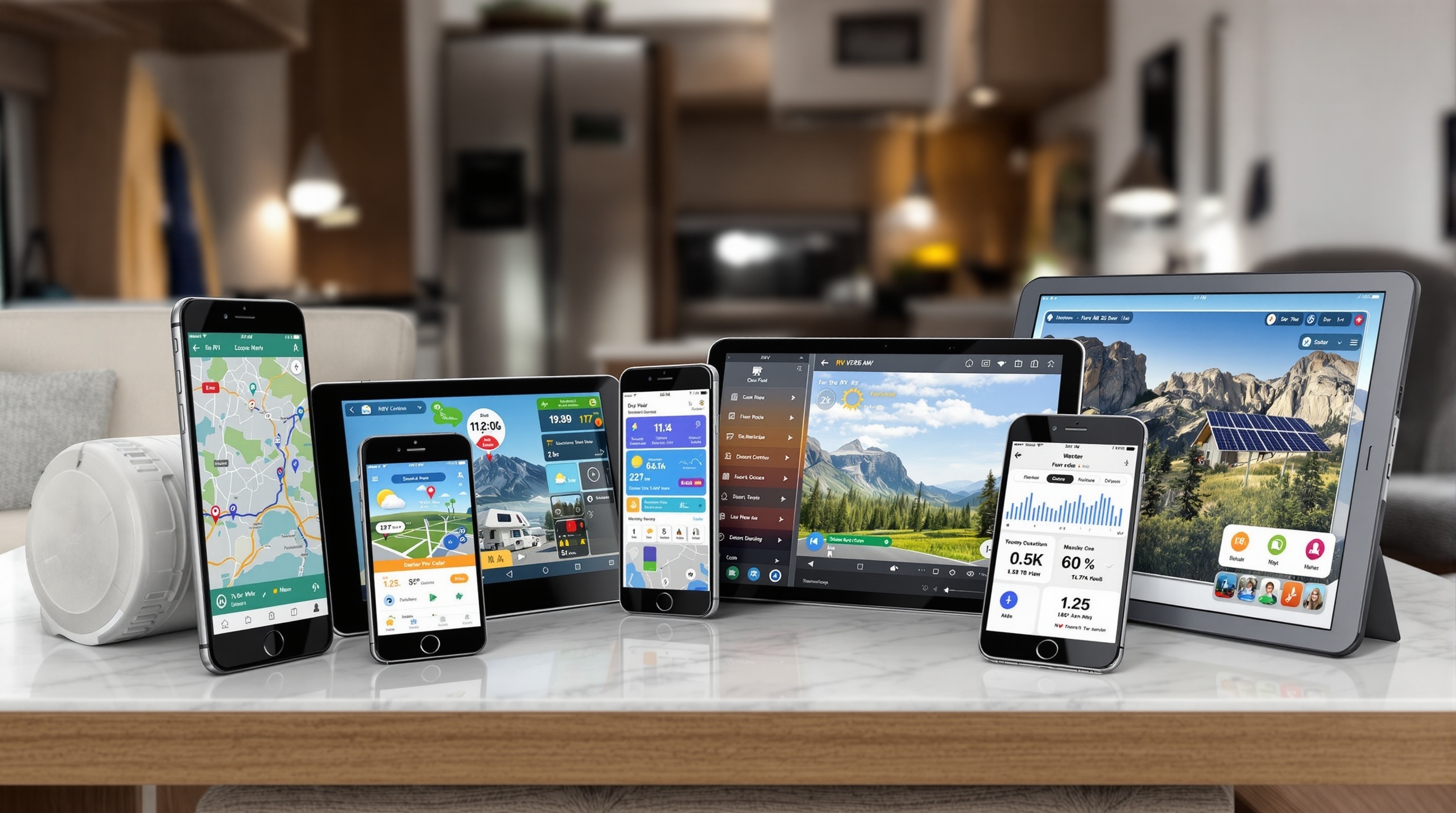
Best RV Apps for 2026: From an RV GPS App to a Campground Finder
Our picks are RV Life Pro for RV safe navigation, Campendium for campground reviews, and iOverlander for free camping.
Too many RV apps promise to do everything, and half of them stop earning a spot on your phone after the first trip.
This guide compares the top navigation, campground, maintenance, and safety apps by user ratings, feature sets, and community feedback, so you only keep the ones worth the storage space.
📋 What you'll discover
- Named app recommendations with honest pros and cons
- Side by side comparison of the top 5 RV apps
- Which paid apps earn their subscription, and the free apps that cover the rest
- Offline capable apps for boondocking and remote travel
Affiliate Disclosure
This page contains affiliate links.
When you purchase through these links, we may earn a commission at no additional cost to you.
This helps support our free calculators, guides, and research tools. Read our full disclosure
Comparison Transparency
Smart RV Hub earns a commission on qualifying purchases or subscriptions made through links to RV Life Pro.
We have no affiliate relationship with Campendium, Roadtrippers, AllStays, and iOverlander.
This material connection may influence which brand we recommend, though our underlying analysis is based on published specifications and verified user reviews.
The fastest upgrade on this list is the one app that replaces three of them.
Affiliate link. We may earn a commission at no extra cost to you.
The Best RV Travel Apps by Job
Based on published features and user reviews, the best RV travel apps are RV Life Pro for routing and trip planning, Campendium for campground reviews, iOverlander for free camping, and GasBuddy for fuel prices.
Choose one app for each job rather than hunting for one app that does everything.
| The job | App | Cost |
|---|---|---|
| RV safe routing and trip planning | RV Life Pro | $65 a year, verified August 2026 |
| Campground reviews and cell reports | Campendium | Free, with a paid RV PRO tier |
| Free camping, water and dump stations | iOverlander | Free |
| Fuel prices on the route | GasBuddy | Free |
| Finding a cell signal at camp | OpenSignal | Free |
| Severe weather and evacuation alerts | FEMA | Free |
If the drive itself is your main worry, see which GPS and trip planner app we pick for RVs and why a phone map is not enough.
Would you rather have a screen that lives on the dash? The dash mounted navigators set against the app route cover that choice.
What Are the Best RV Apps by Category?
The most useful RV apps fall into six categories.
- Navigation and GPS
- Connectivity
- RV management
- Power and solar monitoring
- Safety
- Lifestyle and campground finders
Many of these tools now support voice control integration available in current RV apps, so you can manage systems hands free.
Navigation & GPS
RV safe routing and trip planning
- RV Life Pro
RV specific GPS with height/weight routing, bridge clearance data, and propane restriction alerts. Annual subscription (~$65/yr).
- Roadtrippers
Trip planning with hand picked stops, attractions, and campgrounds along your route. Free tier available.
- CoPilot GPS
Offline RV navigation with downloadable maps. Supports custom vehicle profiles for Class A through travel trailers.
- Google Maps
Free general navigation. Lacks RV specific restrictions but useful for live traffic and local searches.
Connectivity
Internet and communication tools
- Weboost
Companion app for WeBoost cell signal boosters. Monitors signal strength and helps aim the antenna for strongest reception.
- OpenSignal
Free app that maps cell tower locations and carrier coverage. Essential for finding the best signal at each campsite.
- Speedtest by Ookla
Quick bandwidth testing to verify your connection can handle streaming or video calls before settling in.
- WiFi Analyzer
Scans nearby WiFi networks and identifies the least congested channel. Helps when campground WiFi is overloaded.
RV Management
Monitor and control your RV systems
- RV LIFE Maintenance
Service logs, reminders, and document storage, included with an RV LIFE Pro subscription alongside Trip Wizard and the RV GPS app.
- Mango (OneControl)
Smart RV system controller for compatible rigs. Monitors tanks, slides, leveling jacks, and HVAC from your phone.
- Torque Pro
OBD II diagnostic reader that monitors engine codes, transmission temp, and fuel economy in real time. Android only.
- Maintain My RV
Free maintenance log with PDF export. Good for tracking service history if you plan to resell.
Power & Solar
Energy management applications
- Victron Connect
Pairs with Victron charge controllers and inverters via Bluetooth. Shows live solar harvest, battery state of charge, and historical data.
- Renogy BT
Bluetooth monitoring for Renogy solar controllers. Displays panel voltage, current, and daily energy yield.
- Battery Monitor (BM2)
A low cost Bluetooth battery monitor. Tracks voltage, cranking performance, and charge cycles over time.
- EcoFlow App
Manages EcoFlow portable power stations. Monitors input/output wattage and charge scheduling.
Safety & Security
Emergency and security applications
- Weather Underground
Hyperlocal forecasts using personal weather station data. It can reflect campground level conditions more closely than a distant airport station.
- FEMA
Official emergency alerts for your GPS location. Covers severe weather, wildfires, and evacuation orders.
- what3words
Pinpoints your location to a 3 meter square using three words, according to what3words. Useful for directing emergency services to remote campsites.
- Life360
Family location sharing with crash detection. Lets travel partners monitor each other when caravan camping.
Lifestyle and Campground Apps
Find campsites and explore destinations
- Campendium
A user reviewed campground database with cell signal reports and pricing. The free tier covers public lands, and the paid RV PRO tier adds filters and RV navigation, with offline maps listed as coming soon.
- AllStays
Massive database of campgrounds, Walmart overnight parking, rest areas, and dump stations. Annual subscription with offline map access.
- iOverlander
A community sourced database of free camping, water fills, and dump stations. Especially strong for boondocking and BLM land.
- Harvest Hosts
Membership program for overnight stays at wineries, farms, breweries, and golf courses. Most stays have no hookups, though some hosts offer electric or water for a small fee.
Never Worry About Low Bridges Again
Drive with peace of mind knowing your route is safe for your rig. No more white knuckle moments or last minute detours.
Routes designed for YOUR specific RV size
Avoid the hazards before you encounter them
Get real time alerts for road issues ahead
Navigate confidently even off the grid
Affiliate link. We may earn a commission if you subscribe, at no extra cost to you.
How the Most Used RV Apps Compare, Category by Category
Each of these apps is built for a different job, so the table below sorts them by what they do rather than naming one overall winner.
iOverlander is the one to reach for on free boondocking and dump station data, while the subscription tools lead on routing and campground records.
If you want a single recommendation rather than a directory, our head to head ranking of the trip planners picks one and explains why.
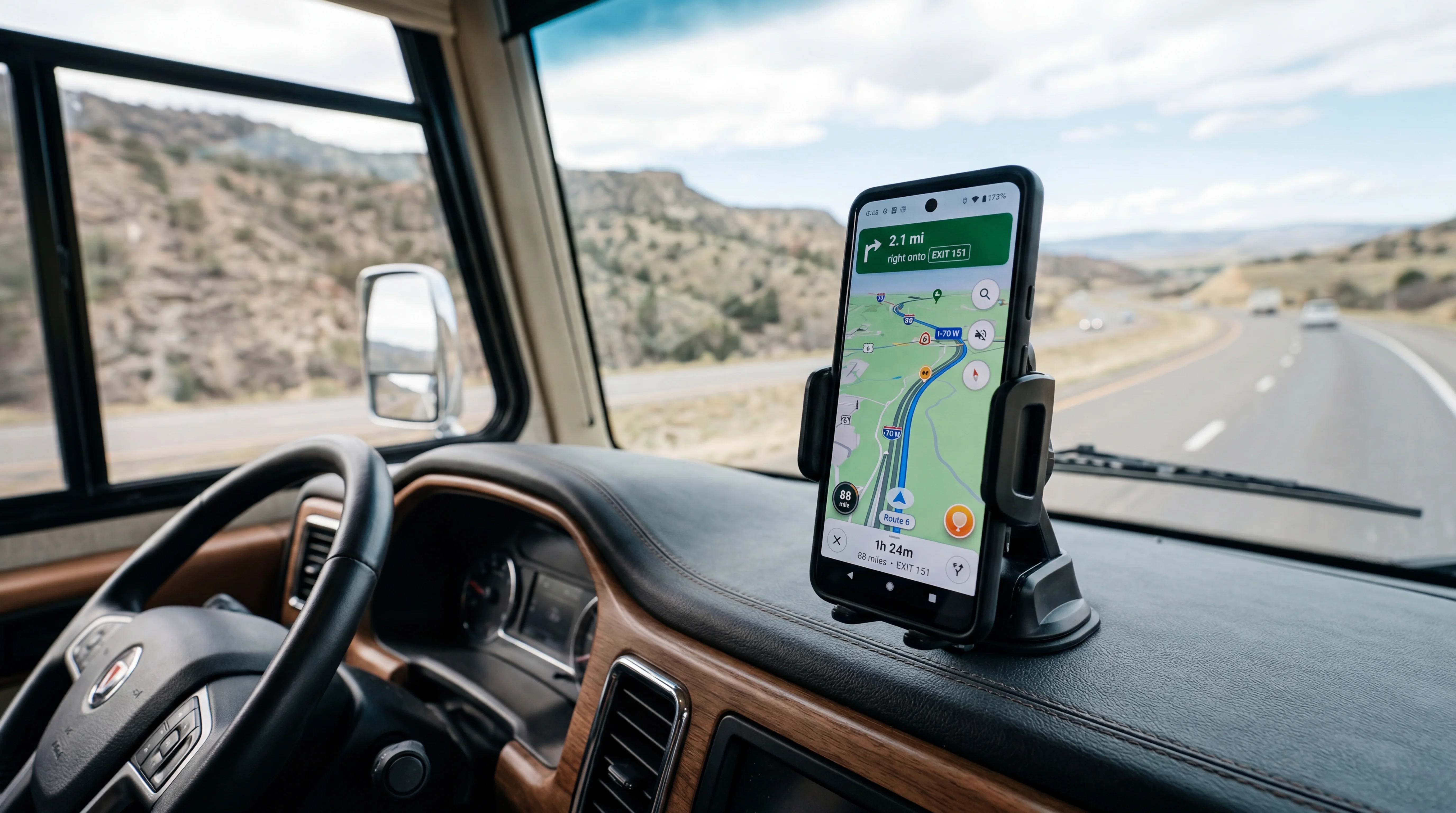
Feature Comparison: Top RV Apps
| Feature | RECOMMENDED RV Life Pro $65/yr | Campendium Free / $59.99/yr | AllStays $35/yr | Roadtrippers Free / $35.99 to $59.99/yr | iOverlander Free |
|---|---|---|---|---|---|
| RV Safe Routing | RV PRO only | Premium only | |||
| Offline Maps | Coming soon | Premium only | |||
| Campground Database | |||||
| Trip Planning | |||||
| Free Version | |||||
| Platform | iOS & Android | iOS & Android | iOS & Android | iOS & Android | iOS & Android |
| Try RV Life Pro(opens in new tab) |
Affiliate link. We may earn a commission at no extra cost to you.
Togo RV and Good Sam: Apps That Come With Something Else
Not every RV app is bought on its own, and two of the better known ones arrive attached to a membership or a service.
That changes how to judge them, because the app is part of a bundle rather than the thing you are paying for.
Togo RV
Built around looking after the rig rather than routing it, with maintenance reminders and document storage.
It sits alongside a trip planner rather than replacing one, since upkeep and navigation are different jobs.
Good Sam
The app is the front end to a membership covering park discounts, roadside assistance and a campground directory.
Judge it on whether the membership pays for itself, because the app on its own is a directory.
Neither does RV safe routing, so neither replaces the planner category above.
If maintenance tracking is what you are after, our seasonal checklist for keeping a rig road ready covers the same ground without a subscription.
How to Choose RV Apps
Offline Capability Is Non Negotiable
Cell coverage disappears fast once you leave interstates.
National forests, BLM land, and many state parks have zero signal.
Any navigation or campground app you rely on needs downloadable offline maps.
Before each trip, download maps for every state on your route. A 500 mile corridor through Utah can eat 200 to 400 MB of map data, so do this on WiFi.
RV Specific Routing Prevents Costly Mistakes
Standard GPS apps do not know your RV is 13 feet tall or weighs 26,000 pounds. Even a minor low bridge strike can mean an expensive roof repair, and a severe one can write the roof off entirely.
Apps like RV Life Pro and CoPilot GPS let you enter exact vehicle dimensions. They reroute around low clearances, weight restricted bridges, and roads where propane tanks are prohibited.
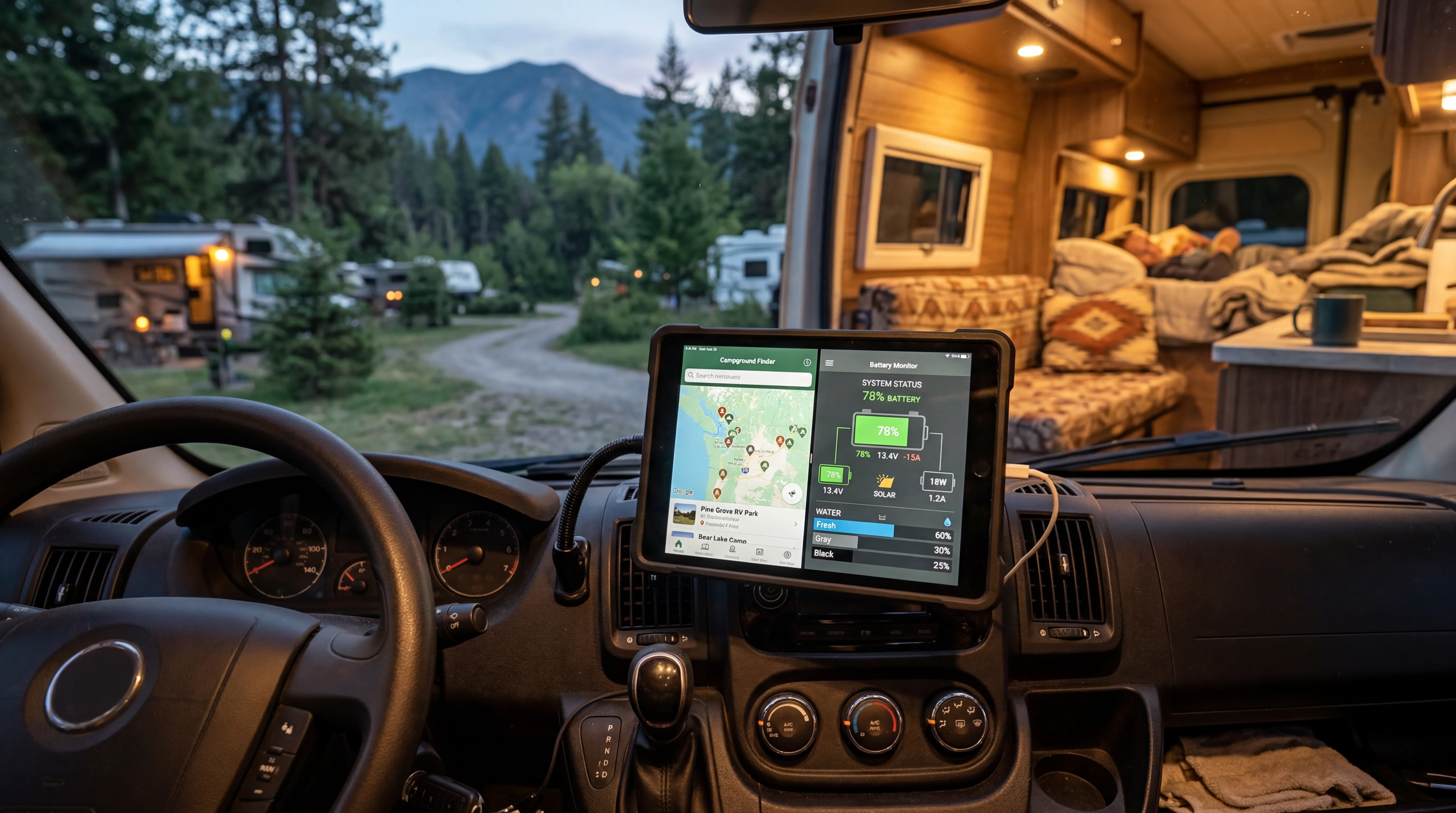
Data Usage Matters on Cellular Plans
Streaming maps burns through data fast.
Google Maps uses roughly 5 to 10 MB per hour of active navigation.
Apps with offline maps use nearly zero cellular data while routing.
If you rely on a cellular hotspot, choose apps that cache aggressively and let you pre download content.
Check Platform Compatibility
Most popular RV apps run on both iOS and Android, but a few are platform exclusive. Torque Pro, the popular OBD II diagnostic app, is Android only.
Verify compatibility before buying a mount or subscription.
Free vs Paid RV Apps: What Is Worth Paying For
Worth Paying For
- $RV safe GPS routing: A single low bridge strike can cost far more than years of app subscriptions. RV Life Pro at $65 per year is cheap insurance.
- $RV LIFE Maintenance: included in the same RV Life Pro subscription, so the service log, reminders, and document storage cost nothing extra. The 7 day free trial covers the full toolset before you pay. See our walkthrough on keeping service records straight for the full setup.
- $Harvest Hosts (from ~$99/yr): The $99 Classic plan covers 5,800+ Harvest Hosts locations at wineries, farms, and breweries, and the $179 All Access plan reaches 9,600+ (pricing and location count verified October 2026; check harvesthosts.com for current details). Read our closer look at what these overnight stops are really like to see if the membership matches your travel style.
Free Companions to Pair With Them
- $0iOverlander: Community powered database of free camping spots, water fills, and dump stations. Covers North America and international locations.
- $0GasBuddy: Live fuel prices at nearby stations. Diesel prices can differ noticeably between stations on the same highway exit, so a quick check before you fill pays off.
- $0Sanidumps: Free dump station locator. Covers RV parks, truck stops, and public dump facilities across North America.
- $0FEMA App: Location based emergency alerts for severe weather, wildfires, and evacuation notices. A smart addition to any RV travel kit.
Want overnight stays a campground app cannot find? Harvest Hosts covers that gap.
Unique stays you will not find on a campground app
Start Your Harvest Hosts MembershipAffiliate link. We may earn a commission at no extra cost to you.
App Setup Tips for the Road
Before You Leave
- Download offline maps for every state on your route. Do this on WiFi since map packs range from 100 MB to 1 GB per state.
- Enter your exact RV dimensions in navigation apps. Measure height with AC units and antennas, not just the roof line.
- Test every app before departure. A navigation app that crashes 200 miles from the nearest cell tower is worse than no app at all.
- Set up maintenance reminders in your tracking app. Include oil change intervals, tire rotation schedules, and generator service hours.
On the Road
- •Run one navigation app at a time to conserve battery and prevent conflicting voice directions. Mount your phone or tablet where you can see it without looking away from the road.
- •Check campground reviews in Campendium before pulling in. Cell signal reports from other RVers tell you whether you can work remotely from that site. Compare campground platforms in our RV campground finder guide.
- •Use GasBuddy at every fuel stop. Diesel prices can differ between stations on the same exit, and on a 100 gallon fill, for example, even a small gap adds up.
- •Keep the FEMA app running in the background with location services enabled. It delivers severe weather alerts faster than local radio in many cases.
Unique Camping Experiences
Discover overnight stays at wineries, farms, breweries, and other unique locations across the US.
Affiliate link. We may earn a commission at no extra cost to you.
How to Stop RV Apps Draining Your Battery and Data
Navigation is the hungriest thing a phone does, and an RV dash is a hot place to leave one running for six hours.
Four changes fix most of it, and none of them costs anything.
Download maps before the drive
An offline route stops the phone streaming map tiles for the whole journey.
That is the single biggest saving on both the battery and the data plan, and it also protects you when coverage drops.
Mount it out of the sun
Heat, not the app, is what usually kills a phone on a summer drive.
A phone in direct windshield sun will throttle itself and charge slowly or not at all, so mount it in shade with air moving past it.
Use a charger that can keep up
A low output socket charger loses ground against a screen at full brightness running GPS.
A higher output charger and a good quality cable will hold the charge level steady instead of slowly draining it.
Close the background apps that also track you
Several camping and weather apps keep location running once opened, which doubles the drain for no benefit.
Set location permission to while using the app for everything except the one navigating. Our RV internet guide covers the connection side in full.
How Many Apps Do You Actually Need?
Four apps cover the core jobs, and the temptation is always to install ten.
More apps means more accounts, more updates and more places for the answer to be.
One for routing
This is the one that knows your dimensions and keeps you off roads your rig cannot take.
It is also the only one worth opening while the wheels are turning.
One for campgrounds
Reviews, photographs and site level detail for wherever you are stopping.
This is the one the passenger uses while the driver drives.
One for fuel and stops
Knowing which stations a long rig can actually get into, and out of, saves more time than any other app on the phone.
This one earns its place the first time it stops you pulling into a forecourt you cannot leave without unhitching.
One for weather
Wind matters far more to a high sided vehicle than rain does, and general forecast apps bury it.
Anything beyond these four should earn its place on the phone rather than arrive by default.
Which Apps Are Worth Paying For and Which Are Not
The honest split is that you should pay for the things a mistake makes expensive, and use free tools for everything else.
That single rule sorts almost every app on this page.
Pay for routing
A route that ignores your height is the one error on this list that writes off a roof, and what a clearance check actually looks at is worth understanding before you trust any app with it.
This is the category where a subscription is cheap against what it protects, and where the free options genuinely do not do the job.
Free is fine for campground reviews
Several strong campground apps are free, because the reviews come from members rather than from a research team.
Running two free ones side by side gives you better coverage than paying for one.
Skip anything you would use once
A single purpose app you open twice a year is clutter that still wants updates and permissions.
Delete it after the trip and reinstall it when you next need it.
Setting Up a New App Before Your First Trip
An RV app is only as good as the numbers you give it, and most people never finish the setup.
Five minutes on the driveway is worth more than any feature comparison.
Enter the rig profile honestly
Height, length, width and weight are what the routing engine actually uses to keep you off the wrong roads.
Measure the height to the tallest fixed point, which is usually the air conditioner rather than the roof.
Round up rather than down, because a few inches of margin costs nothing and a shortfall costs a roof.
Set the avoidances you actually want
Most planners let you avoid unpaved roads, toll roads, steep grades and ferries.
These defaults matter more than they look, because a route that avoids nothing will happily send a big rig down a forest road.
Set them once and the app applies them to every route from then on.
Test it on a road you already know
Plan a route somewhere familiar before you rely on it somewhere new.
You will spot immediately whether the app is routing sensibly for your rig or simply repeating what a car app would say.
That is also the moment to check the voice guidance and the screen brightness on the mount, while you are still parked.
Sign in on every device before you leave
Subscriptions tie to an account rather than a handset, and signing in needs a connection.
Doing it at home rather than at a trailhead is the difference between a working plan and a locked screen. Compare what each app offers in our trip planning app comparison.
Sharing the Route With Your Co Pilot
Most RVs travel with two people, and only one of them usually has the route.
That is a problem the moment the driver needs the navigator to look something up.
One account, both devices
Trip planning subscriptions generally allow the same account to be signed in on a phone and a tablet.
Plan on the larger screen at the campsite, then let the phone handle turn by turn the next morning.
Give the navigator the planning job
The passenger's device is the right place to search for fuel, check the next campground and read reviews.
It keeps the driver's screen on the route and off everything else, which is the actual safety benefit.
Share the plan outside the app too
Send the day's stops to whoever is expecting you before you leave.
It costs nothing and it matters on the remote legs where no one can reach you. Our trip planning app comparison covers which apps sync across devices.
What to Do When Your Apps Lose Signal
The places worth driving to are frequently the places with no bars, and national parks are the worst of them.
A dead zone is only a problem if you arrive in one without a plan.
Download the whole region, not the route
A downloaded corridor covers the road you meant to take and nothing either side of it.
Download the surrounding region instead, so a detour still has a map under it.
Screenshot the things you cannot reload
Reservation confirmations, gate codes, host directions and the campground phone number.
A screenshot opens with no signal, and a browser tab does not.
Carry one thing that is not the phone
A paper atlas costs very little and works when everything else has stopped.
It is also the only tool on this page that never runs out of battery. Our campground finder guide explains which campground data stays available offline.
Frequently Asked Questions
What is the best RV GPS app for avoiding low bridges?
RV Life Pro is among the most reliable apps for bridge clearance warnings.
You enter your RV's height, weight, and length during setup, and the app routes around low bridges, weight restricted roads, and propane restrictions automatically.
CoPilot GPS also supports custom vehicle profiles with height restrictions.
Do I need cell service to use RV navigation apps?
Not always.
RV Life Pro, CoPilot GPS, AllStays, and iOverlander all support offline maps that you download before leaving cell coverage.
Campendium lists offline maps for its paid RV PRO tier as coming soon.
Download maps for your entire route before heading into remote areas like national forests or BLM land.
Is Campendium or AllStays better for finding campgrounds?
Campendium excels at user reviews and cell signal reports, making it better for researching campground quality before you arrive.
AllStays has a larger database that includes Walmart parking, rest areas, and dump stations.
Many full time RVers use both: Campendium for research and AllStays as a quick reference on the road.
What free RV apps are worth downloading?
iOverlander is the top free camping app for boondocking locations and water fills.
GasBuddy saves money on fuel by comparing nearby prices.
The FEMA app provides location based emergency alerts.
OpenSignal maps cell tower coverage for free.
Google Maps works well for general navigation when you don't need RV specific routing.
How much do RV apps cost per year?
Costs range from free to about $65 per year.
RV Life Pro runs $65 annually.
Campendium RV PRO costs $59.99 per year.
Roadtrippers paid plans run $35.99 to $59.99 a year, and RV routing needs the $59.99 Premium tier.
AllStays is about $35 per year. iOverlander and GasBuddy are completely free.
Two or three paid apps add up, so start with the one that covers most of your trips.
Check each app's current pricing before subscribing, as rates change periodically.
Can I use a regular GPS app in my RV?
You can, but regular GPS apps like Google Maps and Waze do not account for vehicle height, weight, or length.
They may route you under low bridges, over weight restricted roads, or through tunnels that prohibit propane.
RV specific apps like RV Life Pro and CoPilot GPS use your vehicle profile to avoid these hazards.
At minimum, pair a regular GPS with an app like AllStays to check your route for clearance issues.
RV Life Pro Guides
RV Life Pro Review
Honest 2026 review with feature breakdown and pricing.
Which Campground App Wins
How the three big campground apps stack up.
Ways To Pay Less
What the membership costs and how to save on it.
Setting Up RV Life Pro
A walkthrough of the app from first launch.
Subscribe to RV Life Pro
Complete subscription guide with pricing details.
Route Planning For Tall Rigs
Keep your rig clear of clearance and weight limits.
Best RV Trip Planning App
Compare top trip planning apps for RVers.