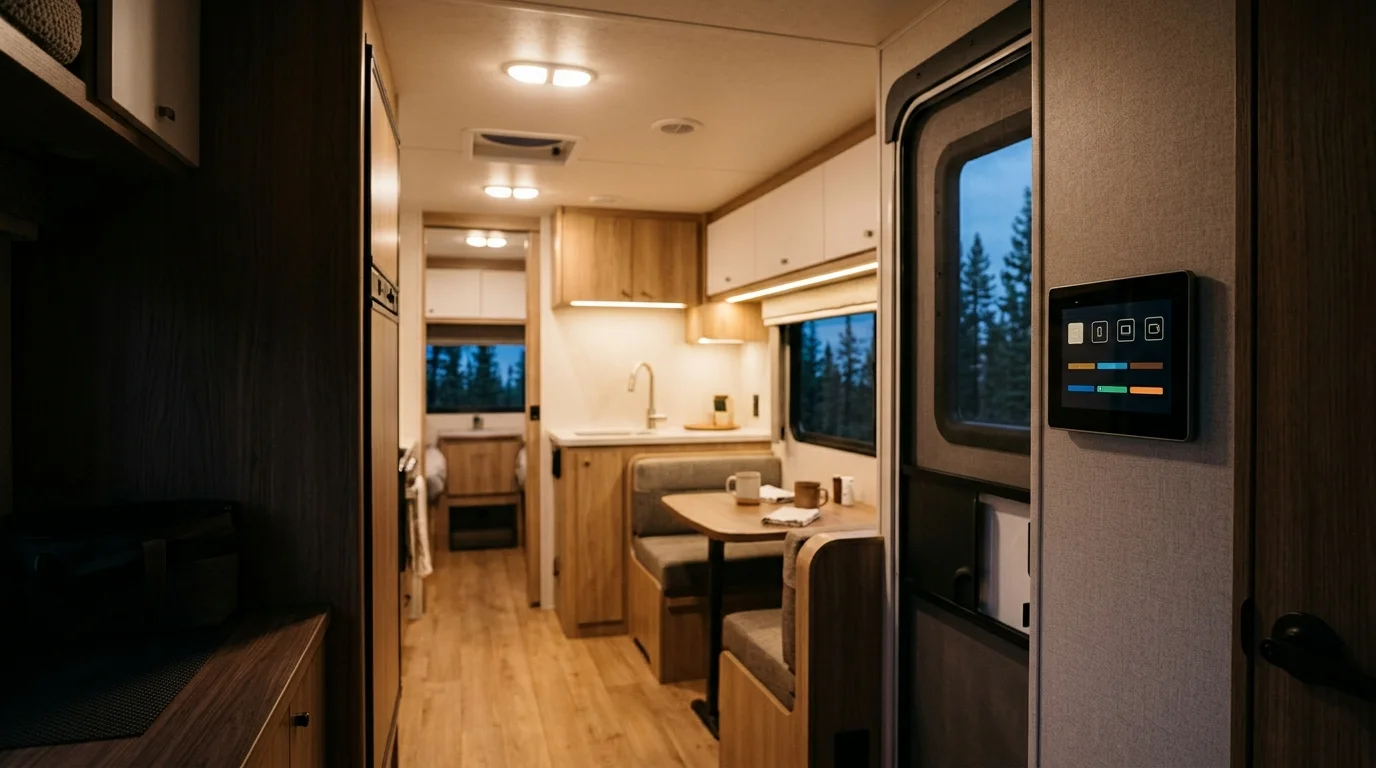
Smart RV Systems That Run Your Rig for You
Lighting, climate, and security on schedules you set once, then forget
A smart RV system puts the slides, awning, lights and tanks on one touchscreen or phone app.
How automation fits with the rest of your rig
It works alongside your security system's geofencing and smart locks to arm your RV when you leave.
It can also adjust power distribution priorities based on whether anyone is home.
Automation builds on a base control architecture, so reading the control and monitoring tier overview first helps you decide which systems to connect.
Affiliate Disclosure Smart RV Hub may earn a commission if you purchase from A1 SolarStore, RV Life Pro and Outdoorsy through these links, at no additional cost to you; see our full disclosure.
What this guide covers
- Control all RV systems from one simple interface
- Create custom scenes for different activities and times
- Help reduce energy waste with smart automation
- Monitor and control your RV remotely while away
- Voice control through Alexa or Google smart plugs and hubs
What Does a Smart RV System Control?
Many factory systems are multiplex controls, which send many switches down one data line to a touchscreen and an app.
Family RVing magazine's multiplex overview lists Lippert OneControl, Firefly VegaTouch, ASA iN Command, BMPRO, Dometic and Spyder Controls among the common ones.
Commonly on the factory panel: Lights, Slide rooms, Awning, Leveling jacks, Tank levels.
Varies by rig: Climate, Battery and solar, Locks and cameras.
Lippert says its OneControl app runs leveling systems, lights, slide outs and awnings in Bluetooth or WiFi range, and keeps tabs on water tank levels.
Firefly's control app runs Grand Design's Lineage from within about 90 feet of the coach, according to RV PRO.
Climate, locks and cameras are often separate add ons, so the sensor and thermostat side of the rig may run from its own app.
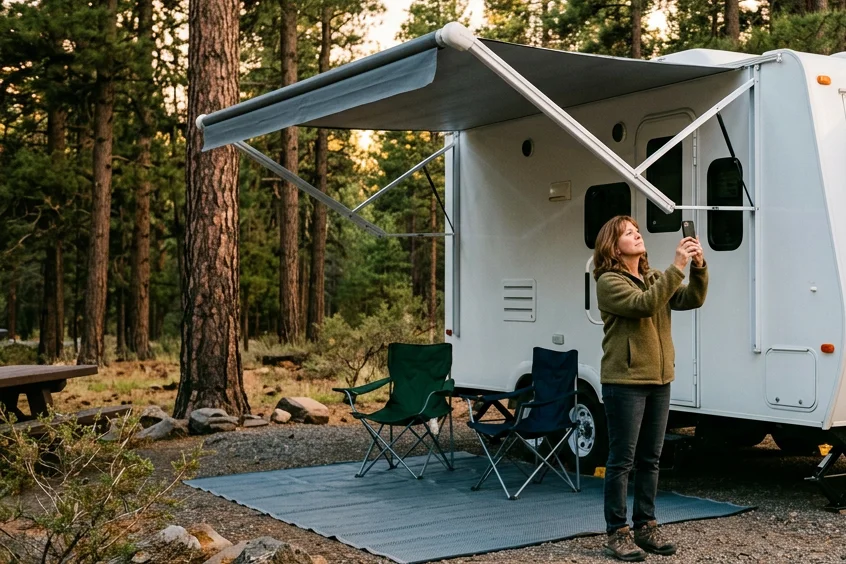
Factory Panel, Cellular Add On, or Power Monitor?
The right setup depends on how far from the rig you need to reach it.
- Factory control panel
- Example: Lippert OneControl or Firefly VegaTouch
- Runs: Leveling, lights, slides, awning, tank levels
- Reach: Bluetooth or WiFi range of the rig
- Cellular add on
- Example: Lippert ConnectAnywhere
- Runs: Devices on the rig's control system; slides stay local only
- Reach: Anywhere with a cell signal, on a paid plan
- Power monitor portal
- Example: Victron VRM with a GX device
- Runs: Battery state, solar and power use
- Reach: Anywhere the gateway is online
- Near the rig: The maker's app over Bluetooth or WiFi. Runs lights, slides, awning and leveling.
- Anywhere with cell signal: A cellular add on and a paid data plan. Rig stays powered on; slides stay local only.
- Power only, anywhere: A gateway that sends battery data online. Watches the battery and solar, not the slides.
Lippert's guide puts the cost of reaching the rig plainly: “Remote monitoring and control requires purchase of a Telematics plan.” That plan is Lippert's paid remote data plan.
Reach and plan rules come from Lippert's ConnectAnywhere 2.0 guide and Victron's VRM manual, read November 2026.
Which RV Systems Work Together in a Routine?
These 4 routines each pair a trigger with an action, so the rig reacts without you pressing anything.
- Morning scene
- Trigger: A set time
- What it does: Brightens the lights and warms the cabin
- Away mode
- Trigger: You step out of the RV
- What it does: Locks the doors and arms the sensors
- Load shedding
- Trigger: High power draw
- What it does: Protects essential circuits first
- Remote alert
- Trigger: A water leak or temperature spike
- What it does: Sends a warning to your phone
| Routine | Trigger | What it does |
|---|---|---|
| Morning scene | A set time | Brightens the lights and warms the cabin |
| Away mode | You step out of the RV | Locks the doors and arms the sensors |
| Load shedding | High power draw | Protects essential circuits first |
| Remote alert | A water leak or temperature spike | Sends a warning to your phone |
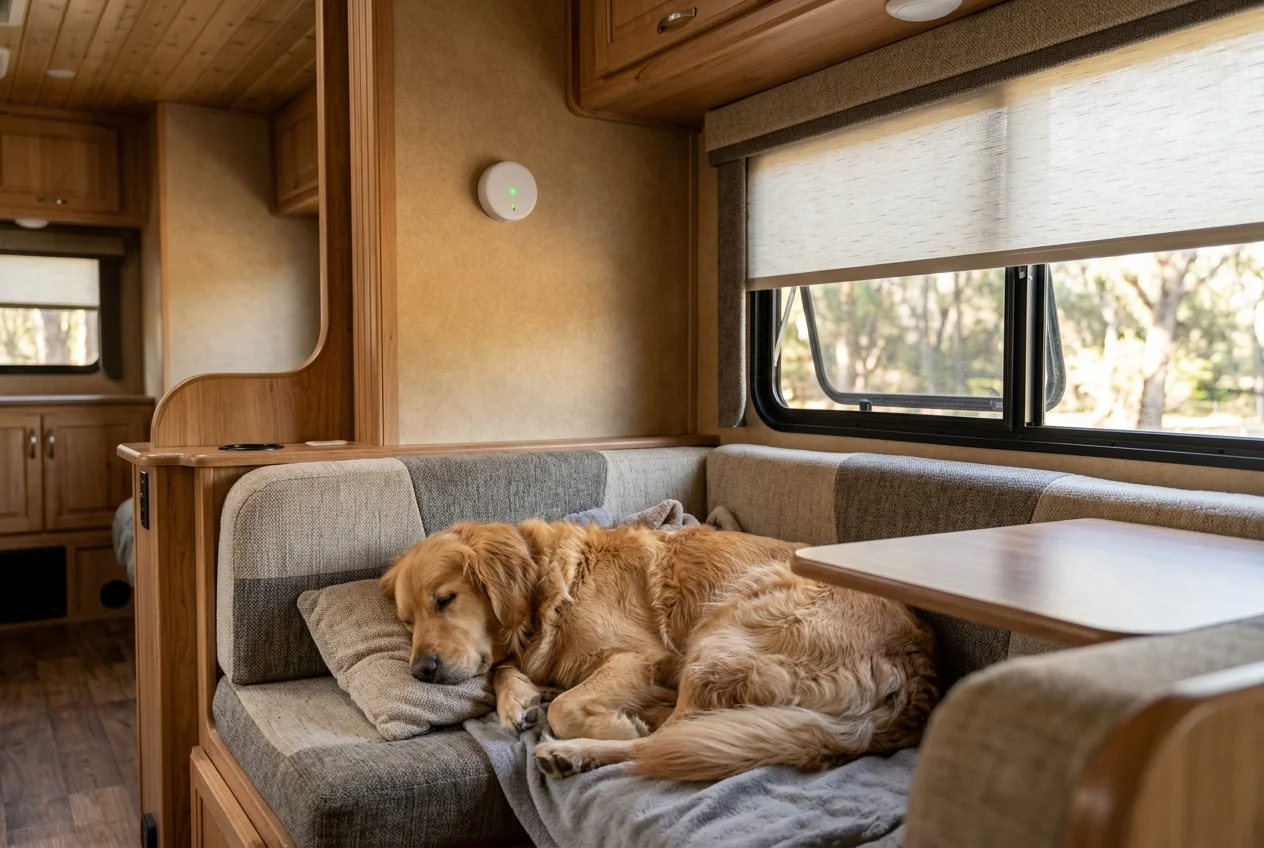
A temperature alert only reaches you away from camp if the rig has remote access, so pair it with the cellular option above.
How Do I Set Up Smart RV Automation?
These 4 steps take you from a new rig to a routine that runs on its own.
Find out which system your rig has
Look for the maker's name on the wall touchscreen or in the owner's manual, since devices vary by RV.
Pair the maker's app near the rig
Factory apps such as OneControl connect over Bluetooth or WiFi, so stand inside or beside the RV the first time.
Build one schedule and live with it
Start with a morning lights scene or an away mode, then add rules once the first one works.
Add remote access only if you need it
Remote control needs a cellular add on and a paid plan, and adding hardware is a job for the owner's manual or a qualified RV technician.
Why Does Smart Energy Management Come First?
Every panel, sensor and router on this page draws from the house battery, so automation stops when the battery does.
Smart power systems balance loads automatically, protect essential circuits during high draw, and show where your energy goes each day.
- Automated load shedding during peak usage.
- Battery health monitoring and optimization.
- Solar integration with efficiency tracking.
- Intelligent appliance power scheduling.
Building the power side first pays off. Our guide to the cells that keep automation running overnight and the step by step rooftop install cover both halves.
Free shipping options on qualifying orders
Rated 4.4 of 5 on Trustpilot, checked November 2026 (opens in a new tab)Ships from over 60 US fulfillment centers, checked October 2026.
Shop RV Solar Panels and BatteriesAffiliate link. We may earn a commission at no extra cost to you.
Smart Automation Solutions
Power gear, trip planning, and a way to try a smart equipped RV before you buy
Smart Inverter Systems
Inverters and power management systems that keep RV automation running, with free shipping on qualifying orders per the A1 SolarStore shipping page, verified October 2026.
- • Victron inverters
- • Smart monitoring
- • Free shipping on qualifying orders
- • System integration
Affiliate link. We may earn a commission at no extra cost to you.
RV Life Courses and Trip Planning
Masterclass courses plus RV safe trip planning across a database of 30,000 plus campgrounds, according to RV LIFE.
New subscribers on the annual plan can try it free for 7 days, verified October 2026.
- • Masterclass courses
- • 30,000 plus campgrounds
- • 7 day free trial for new annual subscribers
- • Community forums
Affiliate link. We may earn a commission at no extra cost to you.
Test a Smart Equipped RV First
Rent a smart equipped RV and find out which automation features matter to you before retrofitting your own rig, with protection plans selected at booking and state liability limits by default, according to Outdoorsy.
Details verified September 2026.
- • Check listings for smart features
- • 200,000 plus RVs
- • Protection plan chosen at booking
- • Available in all 50 US states
Affiliate link. We may earn a commission at no extra cost to you.
Frequently Asked Questions
What is smart home automation for RVs?
Smart home automation for RVs lets you run lighting, climate, power and security from one touchscreen, a smartphone app, or timed schedules.
Many newer rigs ship with a factory control panel, and add on sensors and smart plugs fill the gaps it leaves.
Can I control my RV with voice commands?
Voice control depends on the system you have.
Smart plugs and hubs built for Amazon Alexa or Google Assistant can run add on lights and fans, and our voice control guide covers how that works in an RV.
What RV systems can be automated?
Lippert says its OneControl app runs leveling systems, lights, slide outs and awnings in Bluetooth or WiFi range, and shows water tank levels.
Climate, battery and solar, locks and cameras depend on the hardware your rig carries, because Lippert's ConnectAnywhere guide notes that devices vary by RV.
Is smart RV automation worth the cost?
It pays off fastest on rigs that already ship with a factory panel, since the control hardware is already in place.
The main payoffs are alerts that can flag a leak or a hot cabin early, and routines that save you repeated taps on a long trip.
Can I monitor my RV remotely?
Yes, with the right add on.
Lippert's ConnectAnywhere 2.0 guide says remote monitoring and control needs a Telematics plan (Lippert's paid remote data plan), the RV must stay powered on, and some devices, like slides, are not available remotely.
For the battery alone, Victron's VRM portal tracks power use from anywhere once a GX device links the system online.
How do I set up RV automation schedules?
Schedules are created in a mobile app or web dashboard where you build routines for specific times or triggers.
A morning routine might gradually brighten lights and warm the cabin.
An away mode can lock doors and arm sensors the moment you step out.
FAQ sources: Lippert's OneControl page, the ConnectAnywhere 2.0 guide and Victron's VRM manual, read November 2026.
Before You Upgrade Your RV
Four guides on maintenance, winterizing, roof checks and off grid camping are written but not on sale yet, and you can view what each one covers.
Explore Related Features
Intelligent energy optimization with solar integration and analytics
Run lights and climate hands free
Automated temperature management for perfect comfort
Automate kitchen appliances and cooking schedules
Cameras and sensors that alert your phone