Imagine taking a video call from a Walmart parking lot during your first week working from an RV.
The lighting is terrible, the laptop keeps sliding off the table, and right in the middle of presenting quarterly numbers, a truck starts backing up outside the window, beeping loud enough to drown out every word.
This is how the remote RV dream often starts.
You quit the lease, sell half your stuff, and move into an RV picturing national park offices, only to meet the reality of calls interrupted by barking dogs, a desk that doubles as the dining table, and internet that drops during every important meeting.
It gets much better with the right setup.
RVers who dial this in end up taking calls from overlooks with mountain views, working in near silence, with a mobile office that rivals the one they left.
The difference is rarely luck or expensive gear.
It is knowing what actually matters for remote work on the road.
*This article contains affiliate links.
If you purchase through these links, Smart RV Hub may earn a commission at no extra cost to you.*
Here is what matters most, so your first week goes better than that parking lot call.
Essential Connectivity Solutions
Reliable internet connectivity forms the foundation of any successful mobile office setup in your RV.
Cellular signal boosters amplify weak tower signals to provide stronger, more consistent internet connections in remote areas.
Multiple carrier hotspot devices ensure redundancy when one network experiences coverage gaps or service interruptions.
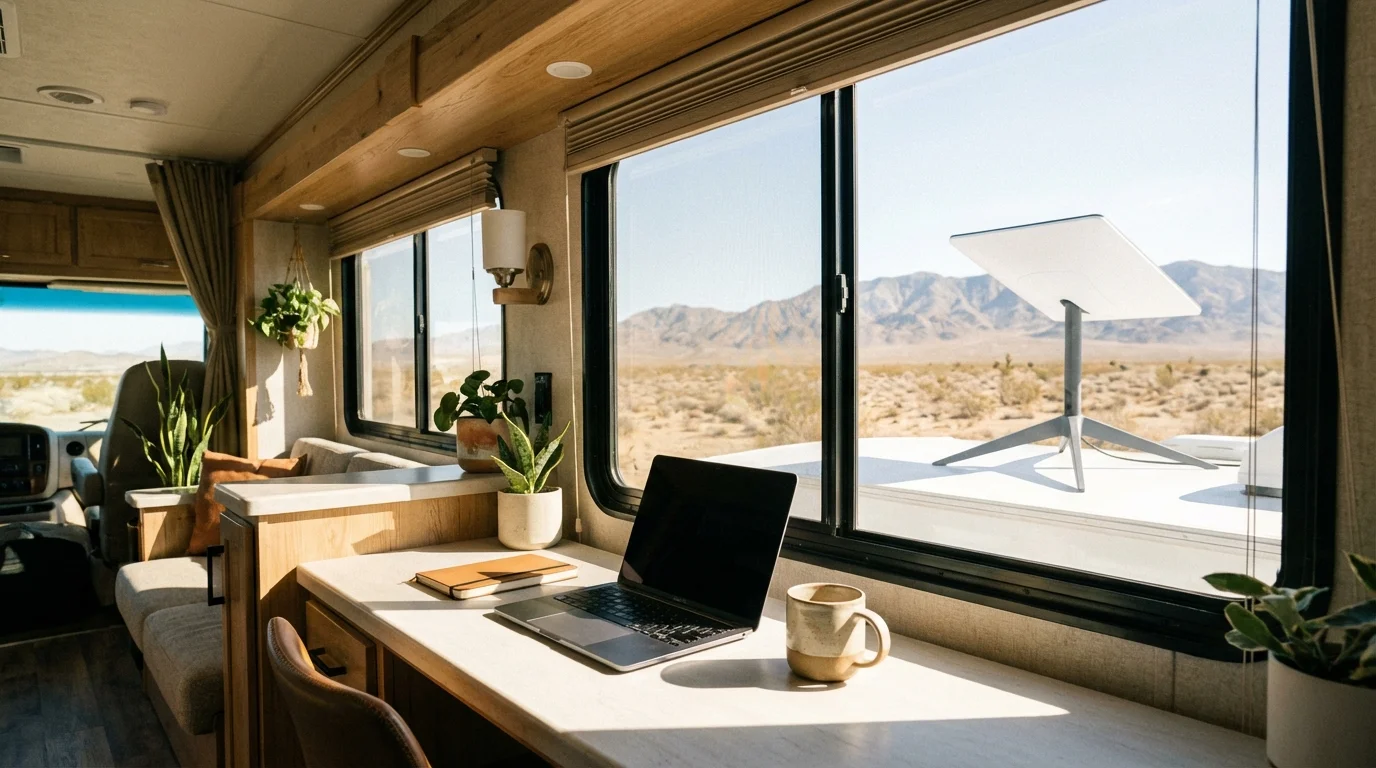
Starlink satellite internet provides high speed connectivity in areas where cellular coverage is limited or unavailable.
WiFi extenders and external antennas maximize the performance of available internet connections from campgrounds and public networks.
Connectivity is one part of where smart RV technology is heading.
Ergonomic Workspace Design
Creating a comfortable and productive workspace within the confined space of an RV requires careful planning and smart design choices.
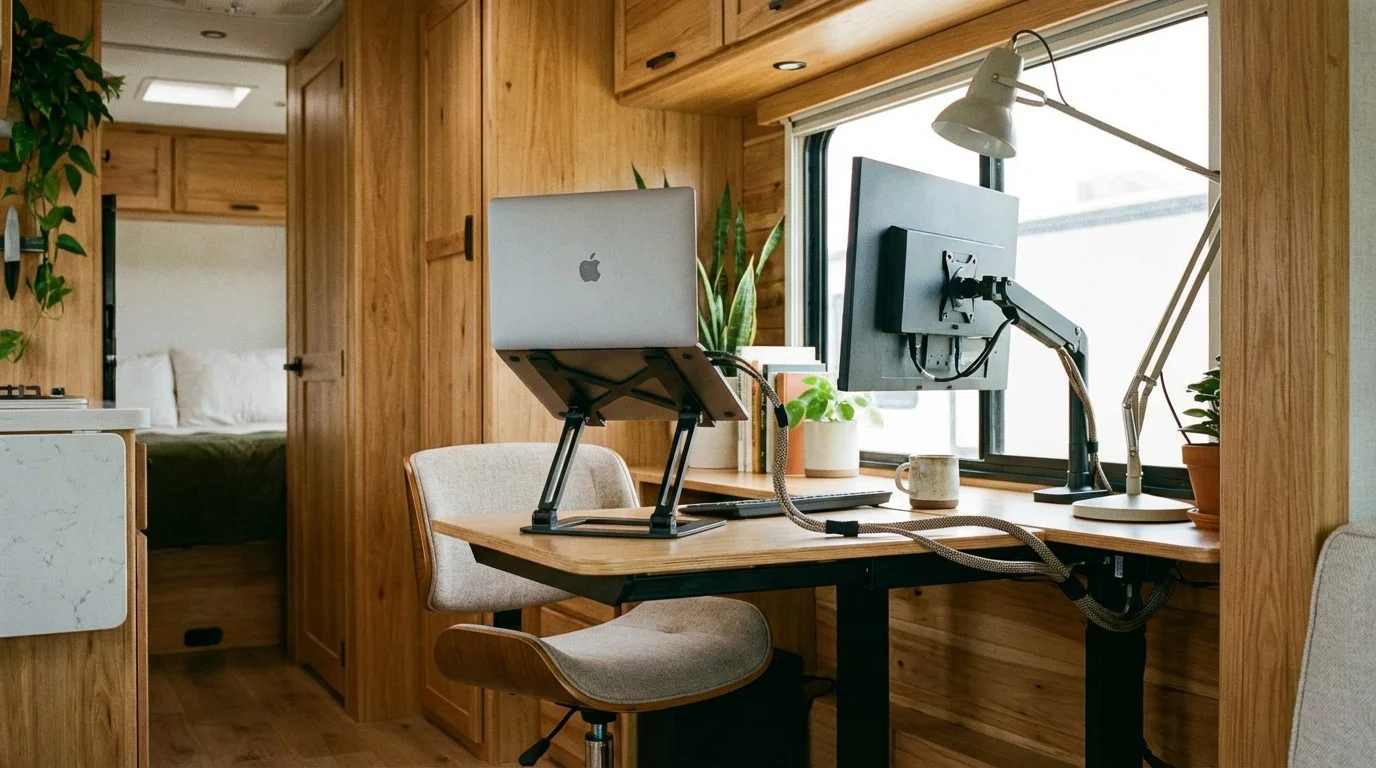
Adjustable height desks accommodate different working positions and can be folded away when not in use.
Ergonomic seating with proper lumbar support prevents fatigue during long working sessions.
Adequate lighting including task lighting and natural light positioning reduces eye strain and maintains alertness.
Monitor arms and laptop stands position screens at appropriate eye levels to maintain good posture throughout the workday.
Power Management Systems
Consistent and reliable power supply is crucial for maintaining productivity while working remotely from your RV.
Solar panel systems provide clean, renewable energy that reduces dependence on generator power and campground electrical hookups.
High capacity lithium battery banks store sufficient power for extended periods of off grid work sessions.
Pure sine wave inverters convert DC battery power to clean AC power suitable for sensitive electronic equipment.
Smart power monitoring systems track energy consumption and optimize usage patterns for maximum efficiency.
Start with sizing a solar array for a mobile office so your workday never depends on the campground pedestal.

Affiliate Disclosure
This page contains affiliate links.
When you purchase through these links, we may earn a commission at no additional cost to you.
This helps support our free calculators, guides, and research tools. Read our full disclosure
Affiliate link. We may earn a commission at no extra cost to you.
Technology and Equipment Setup
Professional remote work requires reliable technology and equipment that can withstand the rigors of mobile living.
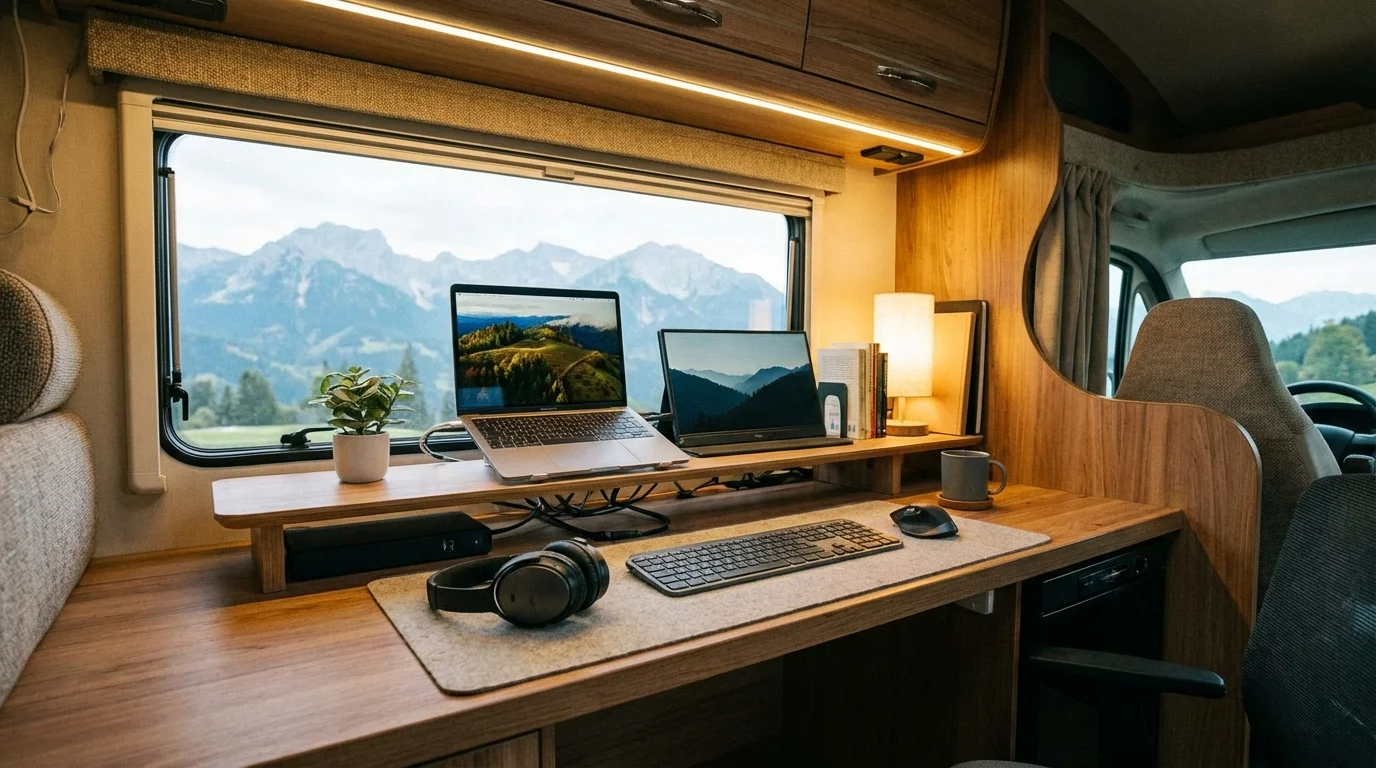
High performance laptops with extended battery life reduce power consumption while maintaining processing capabilities.
Dual monitor setups increase productivity by providing additional screen real estate for multitasking and complex projects.
Noise canceling headphones ensure clear communication during video conferences and phone calls regardless of external noise.
Secure cloud storage solutions protect important files and enable seamless collaboration with team members.
Climate Control and Comfort
Maintaining a comfortable working environment is essential for productivity and professional appearance during video conferences.
Efficient air conditioning systems keep workspace temperatures comfortable without excessive power consumption.
Proper ventilation prevents humidity buildup and maintains air quality during extended indoor work sessions.
Blackout curtains and window coverings control natural light and provide privacy during video calls.
Heating solutions for cold weather ensure year round comfort regardless of external temperatures.

Communication and Collaboration Tools
Effective remote work requires robust communication capabilities that function reliably from mobile locations.
Video conferencing software with bandwidth optimization features work better on limited internet connections.
Cloud based project management tools enable seamless collaboration with remote teams and clients.
VoIP phone services provide professional communication capabilities without relying on cellular voice quality.
File sharing platforms ensure important documents are accessible from any location with internet connectivity.
Security and Privacy Considerations
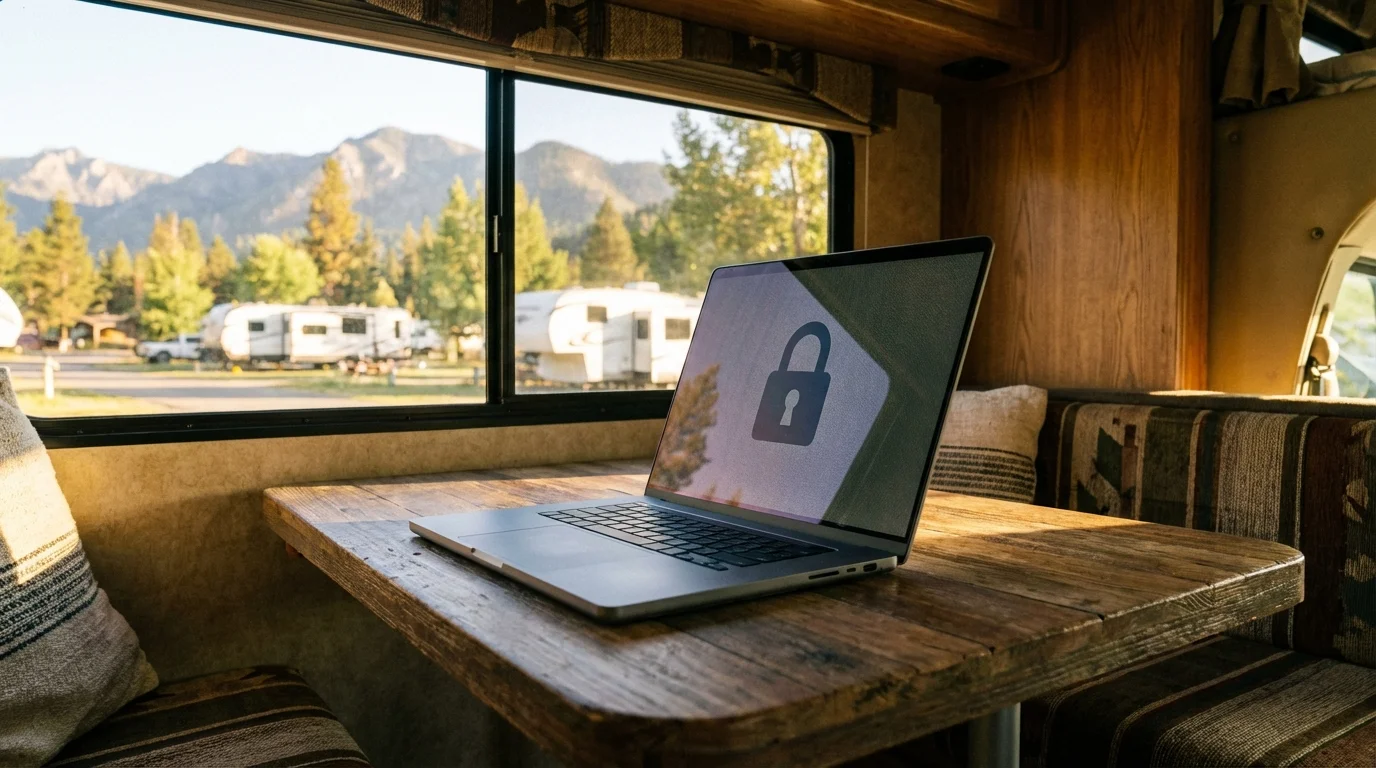
Working remotely from public locations and open networks requires enhanced security measures to protect sensitive business information.
VPN services encrypt internet traffic and protect confidential data when using public WiFi networks.
Secure password managers protect login credentials and enable safe access to business applications.
Privacy screens prevent visual eavesdropping during work sessions in public areas and campgrounds.
Regular security updates and antivirus software protect devices from malware and security threats.
Workspace Organization and Storage
Efficient organization maximizes the limited space available in RV mobile offices while maintaining professional functionality.
Modular storage solutions accommodate changing equipment needs and can be reconfigured as requirements evolve.
Cable management systems prevent clutter and tangling while maintaining easy access to frequently used connections.
Dedicated storage for office supplies, documents, and equipment keeps the workspace organized and professional.
Multi purpose furniture serves dual functions to maximize space efficiency without sacrificing comfort.
Time Management and Routine
Establishing consistent routines and boundaries helps maintain work life balance while living and working in the same small space.
Designated work hours create structure and help separate professional time from leisure activities.
Regular breaks and outdoor time prevent cabin fever and maintain mental health during extended work periods.
Travel planning around work schedules ensures reliable connectivity and minimal disruption to professional commitments.
See how RV Life Pro handles route and campground research when signal quality decides your stops.
Backup plans for technical failures or connectivity issues prevent work interruptions and maintain client relationships.
Cost Analysis and Budgeting
Understanding the financial aspects of mobile office setup helps make informed decisions about equipment investments and ongoing expenses.
To estimate solar power costs for your mobile office, try our worksheet that turns watt hours into dollars.
Initial setup costs for connectivity, power, and workspace equipment require careful budgeting and planning.
Monthly connectivity expenses including cellular data plans and satellite internet subscriptions impact ongoing travel budgets.
Energy costs for generator fuel or campground electrical hookups affect long term operational expenses.
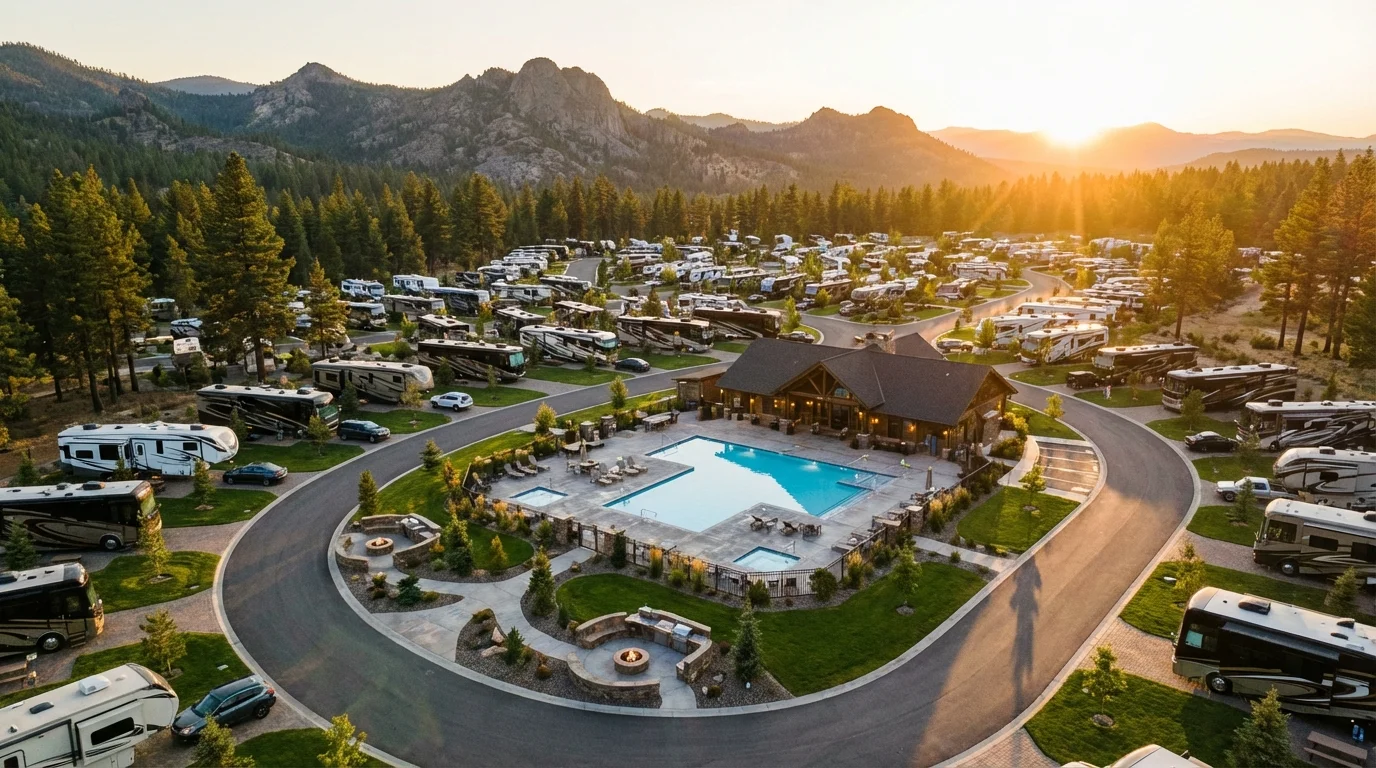
Full hookup sites are standard at the standout RV parks across the country, which trades power worries for a nightly fee.
Equipment replacement and maintenance costs should be factored into remote work budgeting considerations.

Troubleshooting Common Issues
Preparing for and addressing common technical challenges ensures minimal disruption to work productivity while traveling.
Connectivity backup plans provide alternatives when primary internet sources fail or become unreliable.
Power backup solutions maintain equipment operation during electrical outages or generator maintenance.
Climate backup options ensure comfortable working conditions when primary systems require service or repair.
Technical support resources and repair options help resolve equipment issues while traveling in remote areas.
Remote work from your RV offers unprecedented freedom and flexibility while maintaining professional productivity and career advancement opportunities.
Affiliate link. We may earn a commission at no extra cost to you.
Affiliate link. We may earn a commission at no extra cost to you.
Affiliate link. We may earn a commission at no extra cost to you.