Starlink vs Cellular for RV Internet
Cellular is the better first buy near towns. Starlink is the pick for boondockers beyond the last tower.
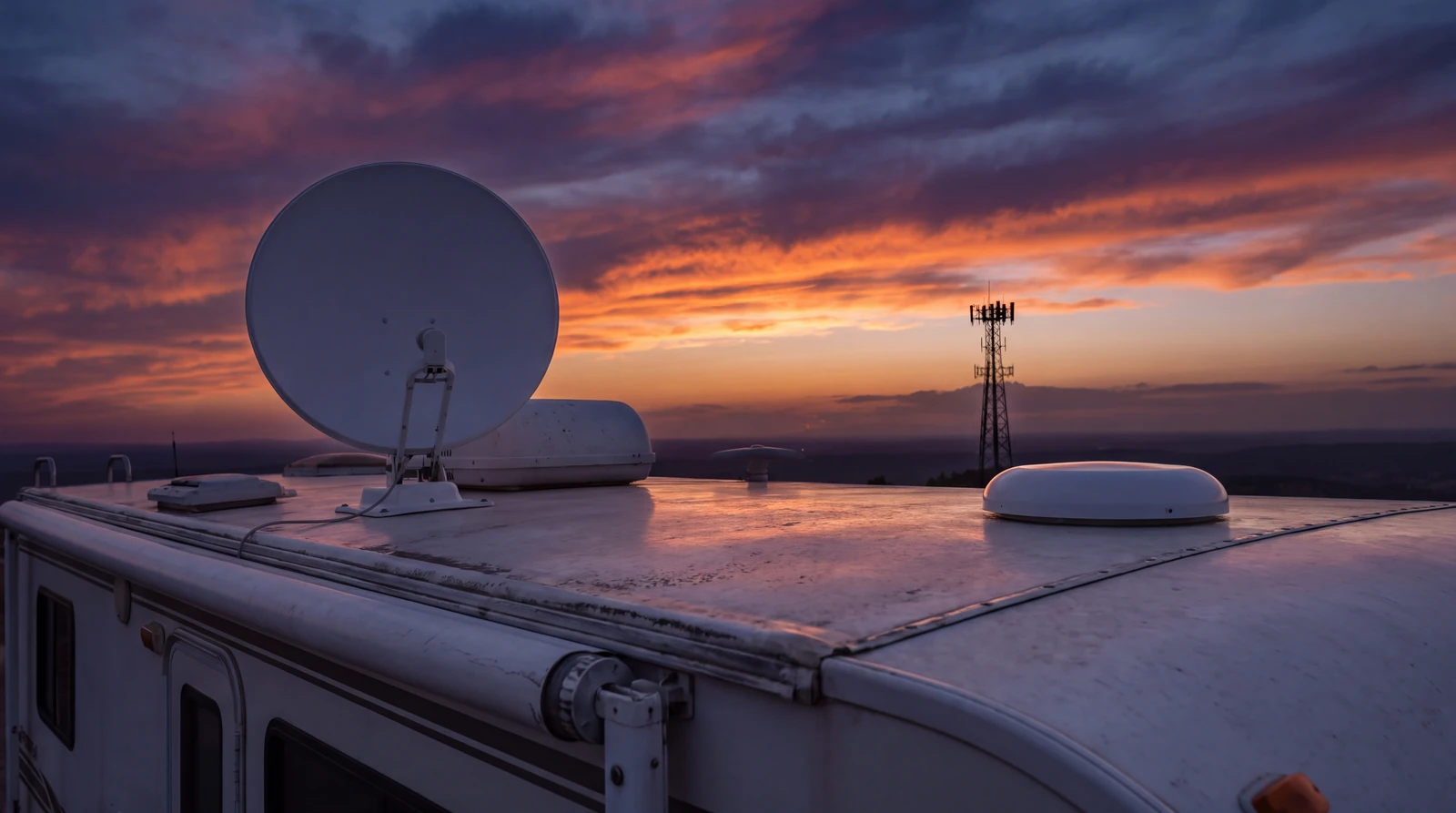
The Two Trades at a Glance
Coverage decides the winner, and these two ranges price the decision.
Side by Side
Every figure below comes from published plan pages, starlink.com, and manufacturer specs, last verified August 2026.
Where it works
- Starlink
- Anywhere the dish sees open sky, including remote public land.
- Cellular
- Strong near towns and highways, patchy in remote country.
Monthly cost
- Starlink
- Roam tiers roughly $50 to $165, per starlink.com.
- Cellular
- Dedicated data plans roughly $50 to $100, per published plan pages.
Up front cost
- Starlink
- Hardware $299 to $599, per starlink.com.
- Cellular
- A hotspot or router, commonly under $300 at published prices.
Published speeds
- Starlink
- 50 to 150 Mbps ranges for Roam service.
- Cellular
- 25 to 100 Mbps commonly quoted for hotspot plans.
Power draw
- Starlink
- Roughly 25 to 100 watts by model, per published specs.
- Cellular
- Under 15 watts on published router specs.
Setup at camp
- Starlink
- Needs open sky, and a tripod dish needs placing each stop.
- Cellular
- None. It works from the moment you park.
Weak spot
- Starlink
- Tree cover and obstructed sky.
- Cellular
- Dead zones no booster can fill.
| Criterion | Starlink | Cellular |
|---|---|---|
| Where it works | Anywhere the dish sees open sky, including remote public land. | Strong near towns and highways, patchy in remote country. |
| Monthly cost | Roam tiers roughly $50 to $165, per starlink.com. | Dedicated data plans roughly $50 to $100, per published plan pages. |
| Up front cost | Hardware $299 to $599, per starlink.com. | A hotspot or router, commonly under $300 at published prices. |
| Published speeds | 50 to 150 Mbps ranges for Roam service. | 25 to 100 Mbps commonly quoted for hotspot plans. |
| Power draw | Roughly 25 to 100 watts by model, per published specs. | Under 15 watts on published router specs. |
| Setup at camp | Needs open sky, and a tripod dish needs placing each stop. | None. It works from the moment you park. |
| Weak spot | Tree cover and obstructed sky. | Dead zones no booster can fill. |
Match the Choice to Your Travel
Pick Starlink first if
Your favorite camps have no bars at all.
Boondockers and public land campers get coverage cellular can never offer, paid for in power draw and hardware cost.
Pick cellular first if
You camp within reach of towns and highways.
Lower running cost, near zero power draw, and no setup at camp, paid for in dead zones further out.
The travelers who genuinely need both are the ones whose year splits between those two worlds.
If that is you, the practical order is to buy for the world you sleep in most, then add the second connection when the gaps start costing you.
Affiliate Disclosure
This page contains affiliate links to RV Life Pro.
When you purchase from RV Life Pro through these links, we may earn a commission at no additional cost to you.
This helps support our free calculators, guides, and research tools. Read our full disclosure
Check the Signal Before You Book
Whichever way you choose, the deciding data is what devices actually got at a specific campground.
Member reviews across RV Life Pro's 30,000 plus campground listings show which of the two connections held up at each site, per its published feature list.
Affiliate link. We may earn a commission at no extra cost to you.
Signal and power tips by email
Plan changes, coverage notes, and the power math behind both options.
Free by email. Unsubscribe anytime.
Where These Figures Come From
Neither side of this comparison pays us, and no speed test of ours sits behind any figure here.
Every price, speed, and power figure is from published carrier plan pages, starlink.com, and manufacturer specs.
Last verified August 2026, and both sides change plans and pricing without notice.
Smart RV Hub Editorial Team
RV Technology Research and Reviews
Our writers research smart RV technology full time, covering solar power, connectivity, security, and power management.
Every guide draws on published manufacturer specifications and verified owner reviews, so you can compare options with confidence.
Meet the editorial team and our review standardsStarlink vs Cellular Questions
Is Starlink or cellular better for RV internet?
Cellular is the better first buy for travelers who stay near towns and highways, because it costs less to run and draws far less power.
Starlink is the better first buy for boondockers, because it works where no tower reaches.
Which is cheaper, Starlink or a cellular data plan?
Published plan pages put dedicated cellular data plans at roughly $50 to $100 a month against Starlink Roam tiers at roughly $50 to $165 a month, last verified August 2026.
Starlink also carries hardware cost up front, at $299 to $599 per starlink.com.
Which is faster?
Published figures overlap: carriers commonly quote 25 to 100 Mbps for hotspot service and Starlink publishes 50 to 150 Mbps ranges for Roam.
Real results swing with congestion and location for both, and we have not benchmarked either ourselves.
Can I video call from either connection?
Both publish latency and speed figures compatible with video calls under normal conditions.
The practical difference is where each holds up: cellular in covered country, Starlink under open sky.
Does weather affect Starlink or cellular more?
Starlink publishes that heavy rain and snow can degrade satellite service, while cellular is less weather sensitive but tower dependent.
Tree cover is the bigger everyday factor for Starlink than weather.
Do I eventually need both?
Published full timer setups commonly describe running both, using cellular near towns and the dish beyond coverage.
If your travel splits between the two worlds, plan the budget around that pairing rather than a single winner.
Which draws more power off grid?
Starlink, clearly: published specs run roughly 25 to 100 watts by model, while cellular routers commonly draw under 15 watts.
On a small battery bank that difference can decide the choice by itself.
Can I pause either service between trips?
Starlink Roam publishes a pause option billed in monthly cycles, and prepaid cellular data plans can simply lapse between trips.
Seasonal travelers should check the current pause terms before committing either way.
The setup guides for each path, and the pillar that maps them.
Every Way To Get Online
The pillar: how these two stack with campground WiFi.
RV Starlink Setup Guide
Chose the dish? The mount, cable, and power steps.
Best RV Cellular Signal Boosters
Chose cellular? Make weak bars usable.
The Battery Math Behind It
Turn the power draw row into panel numbers.
Camping Far From Hookups
The travel style that pushes the answer toward Starlink.
The Full Time Living Budget
Where either bill fits in the monthly budget.
If You Add the Second Connection Later
Nothing you buy today is wasted: a stacked setup uses cellular near towns and the dish beyond them.
The one thing worth planning today is battery capacity, because the dish you might add later is a load your electrical system either can or cannot carry. Our sizing method for panels and battery banks shows the margin to leave.
Affiliate link. We may earn a commission at no extra cost to you.